Top 5 Tips for Live Sports Streaming Without Buffering
Top 5 Tips for Live Sports Streaming Without Buffering
There is nothing more frustrating than watching the final moments of a championship game, only for the screen to freeze in a buffering loop. Live sports require high bandwidth and ultra-low latency to deliver a seamless, real-time experience. Thankfully, with the right optimizations and a robust platform like vocotv, you can completely eliminate lag from your game days. Here are our top five tips to ensuring you never miss a play. For deeper technical troubleshooting, read our complete Buffering Fix Guide.
1. Optimize Your Local Network
The vast majority of buffering issues originate inside your own home network. If your household is simultaneously downloading large files, playing online video games, and streaming movies, your bandwidth will be choked. Before a major sporting event, try pausing large background downloads or use Quality of Service (QoS) settings on your router to prioritize video streaming traffic.
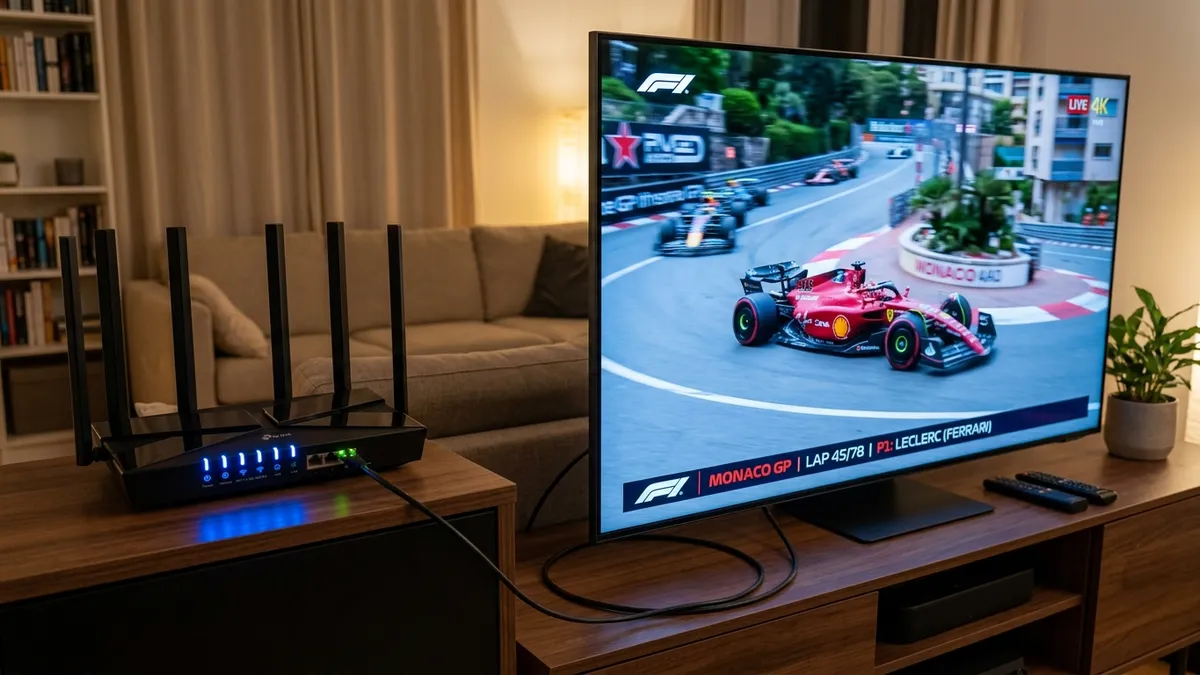
Additionally, if you are relying on Wi-Fi, consider upgrading your router to a Wi-Fi 6 compatible model or using a mesh network if you live in a large house. Dead zones and wireless interference from microwaves or neighbors' networks can drastically reduce your streaming bandwidth. For the ultimate peace of mind, hardwire your TV or streaming box directly into the router via an Ethernet cable. This entirely bypasses wireless volatility.
2. Choose a Premium Streaming Service
Not all streaming backends are built equal. Some free services host their video streams on cheap, overloaded shared servers that inevitably collapse under the strain of millions of viewers tuning into a massive event simultaneously. You need a dedicated, infrastructure-first platform.
This is a core reason why vocotv is highly recommended by sports enthusiasts. It utilizes global Content Delivery Networks (CDNs) that distribute the bandwidth load efficiently, ensuring that regardless of where you are tuning in from, you are connecting to a blazing fast, localized server node.
3. Adjust Video Quality Dynamically
While we all want to watch the game in stunning 4K, sometimes global internet traffic drops significantly during peak hours. If you start experiencing freezing, don't hesitate to manually drop your stream quality down to 1080p or even 720p.
Most platforms scale automatically, but locking the resolution lower permanently during a high-traffic event can guarantee absolute stability when the feed matters most.
4. Clear Cache and Background Apps
If you are using an Android Smart TV, a Firestick, or a generic Android Box, memory management is crucial. These devices often have limited RAM. Having too many applications open in the background can throttle the processing power needed to smoothly decode a high-bitrate live video stream. Check our Firestick Installation Guide for more device optimization.
Make a habit of force-closing unused applications and clearing the cache of your primary streaming app before the big game begins. A fresh device boot works wonders for clearing temporary system glitches and ensuring maximum hardware resources are allocated to video playback.
Final Thoughts
A perfect game day setup requires both a solid home network and a dependable broadcasting partner. By following these networking tips, you are setting yourself up for success. Elevate your sports viewing experience by heading over to VocoTV, where buffer-free live events are the standard, not the exception.